Thanks for choosing CineHD! The app has everything you need; there are newly released movies, TV shows, dramas, anime, and 1000+ live TV channels from 130 countries. You can watch international films and shows with subtitles in your native language. Just tap on the download button below to acquire the CineHD app on your compatible device without a subscription.

To update CineHD to the latest version, consider uninstalling the old version before installing the updated app to fix installation errors.
How to Install CineHD?
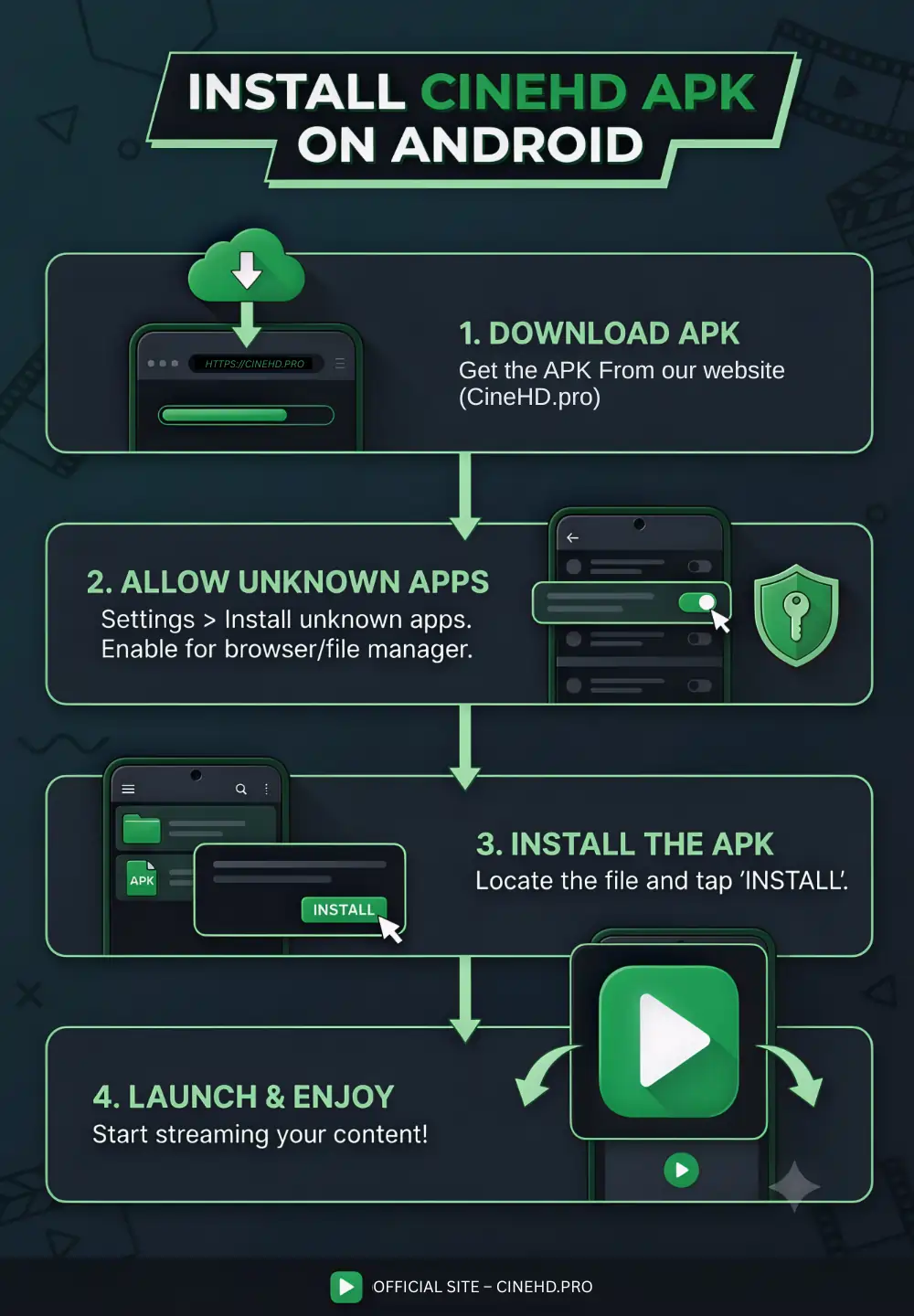
Here’s the easy guide to download and install CineHD app on any Android device:
- Choose the compatible version of the CineHD app for your device and region, then click on the Download button to get the app file.
- Navigate your device’s Settings menu and go to the Security & Privacy section, then make sure Unknown Sources is enabled.
- Open the default File Explorer and go to the Download folder, then locate the CineHD APK file.
- Simply tap on the APK file and hit the Install option to start the app installation.
- The app will be installed shortly, and you will be able to find its icon on the home screen of your device.